Office design without Modern Forms
- ✓ RibbonX / VBA editing
- ✓ Ribbon Visual Designer
- ✓ VBA UserForm Designer — classic native forms
- ✓ imageMso / custom icons
- ✓ Callback generation and diagnostics
- ✓ XML validation and editor workflow
Community Edition free · PRO available
Build Office add-ins in one studio: visual Ribbon design, VBA editing, classic UserForms and PRO Modern Forms. Use InstallerLab for EXE, MSI and Bundle deployment.
Free distribution via GitHub Releases · Windows desktop application · Formerly: Office Ribbon Editor
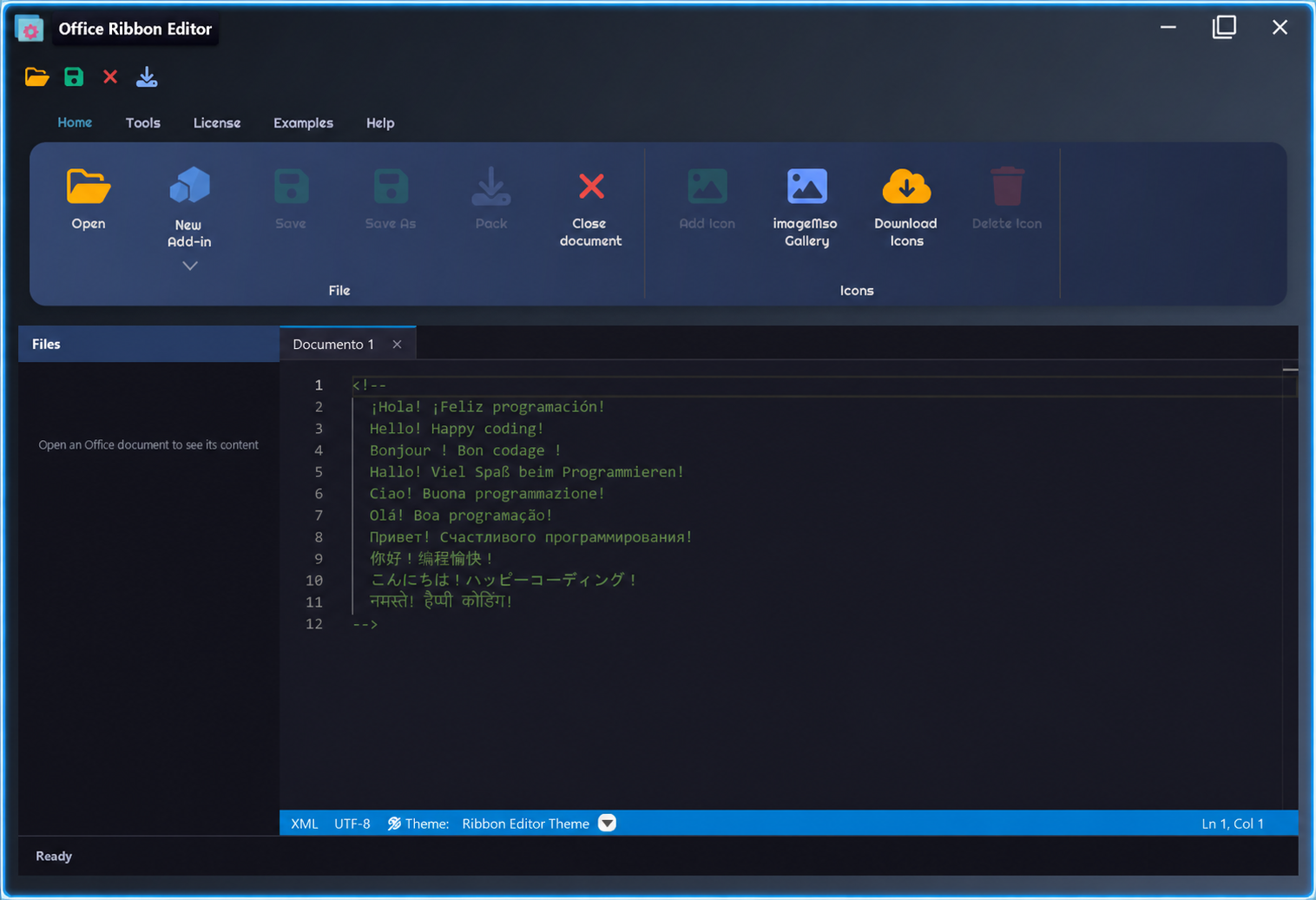
Ribbon UI Studio v4.0.0
v4 adds the Ribbon Visual Designer, a native VBA UserForm designer and, in PRO, Modern Forms, modern dialogs and add-in licensing management.
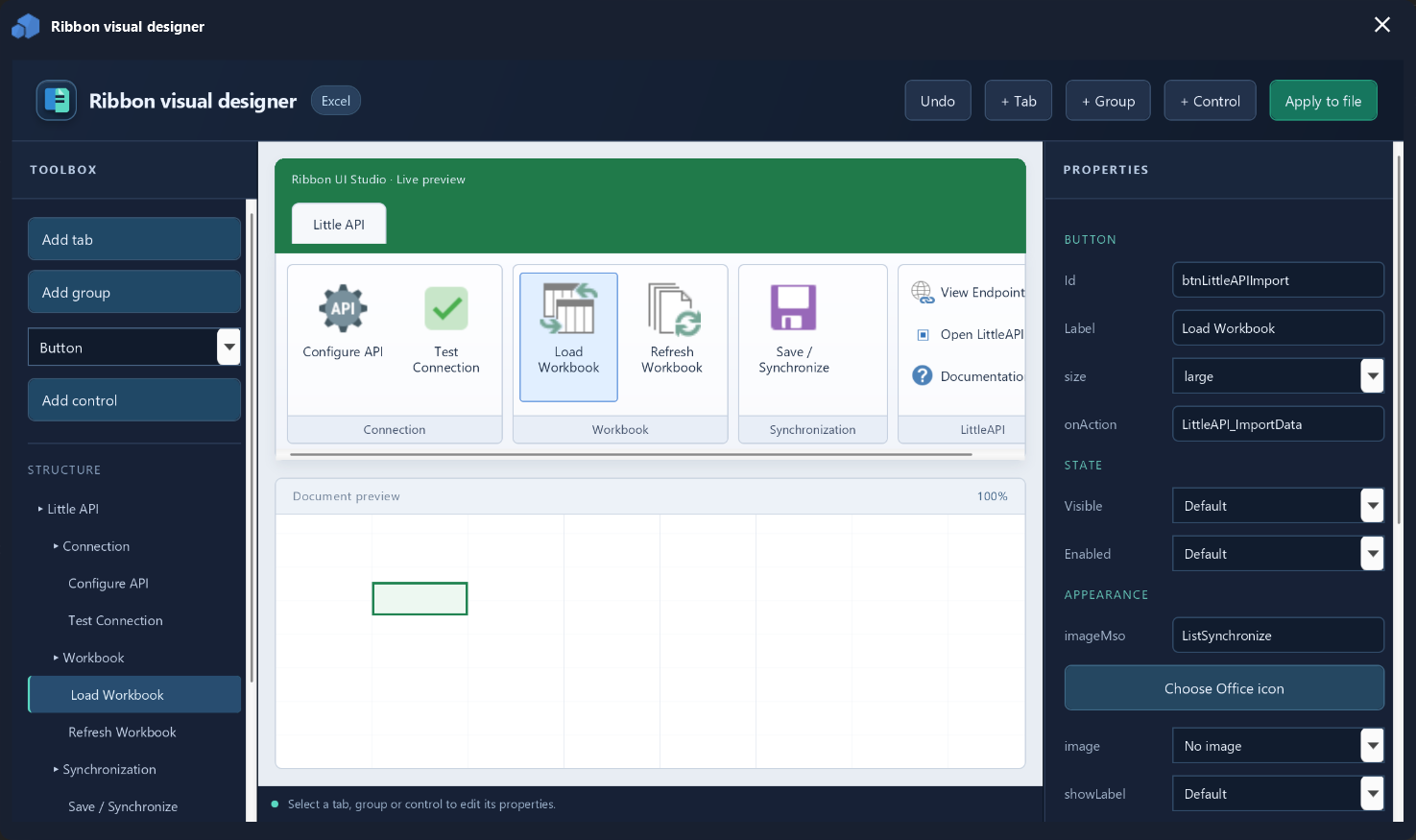
Community and PRO
Community keeps a strong RibbonX, VBA and native-form workflow. PRO adds the modern UI layer plus protection and distribution features.
To generate the Bundle Installer for an add-in, InstallerLab must be installed. Ribbon UI Studio prepares the add-in project and uses InstallerLab to create the Bundle Installer.
installerlab.website ↗Explore the workflow
Get the editor
Official packages are hosted on GitHub Releases with a clear, versioned download history.
The simplest setup for most Windows users. Includes the required runtime and adds the editor to your installed apps.
Run directly without installation. A single portable EXE, ideal for USB toolkits or project folders.
Use the official issue tracker if you encounter a reproducible problem while installing or editing an Office file.
Before you install: Close open Office documents and keep a backup before editing their custom UI.
Documentation
Start with a macro-enabled or Open XML document.
Choose the Office 2007 or Office 2010+ schema.
Define tabs, groups and controls, then validate.
Add VBA callbacks, save and reopen the document in Office.
Inside the app
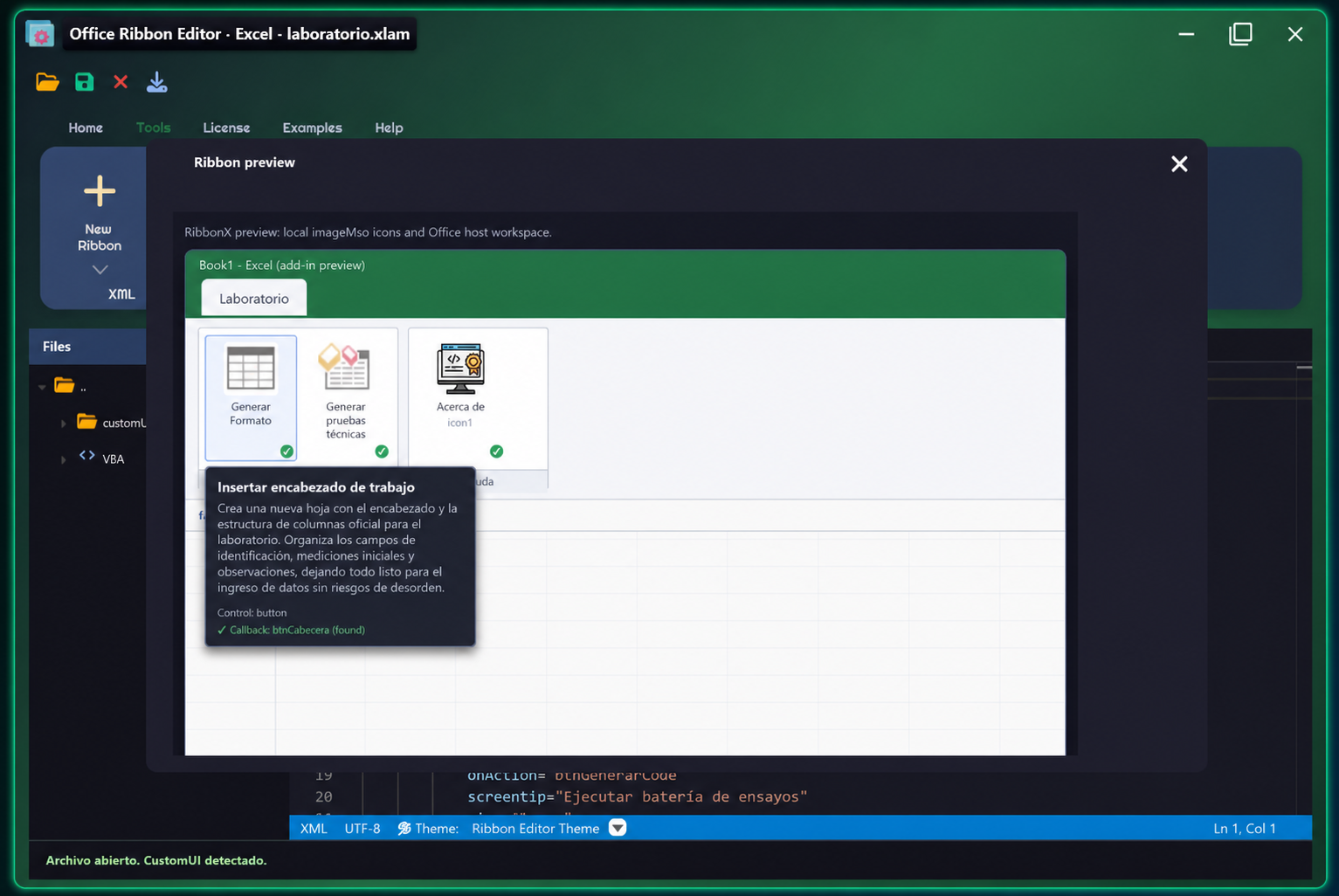
Preview ribbons for Excel, Word and PowerPoint without leaving the editor.
Browse imageMso icons and manage custom images.
Find missing callbacks before opening the file in Office.
Explore the editor, its RibbonX preview and Office-specific workspaces.
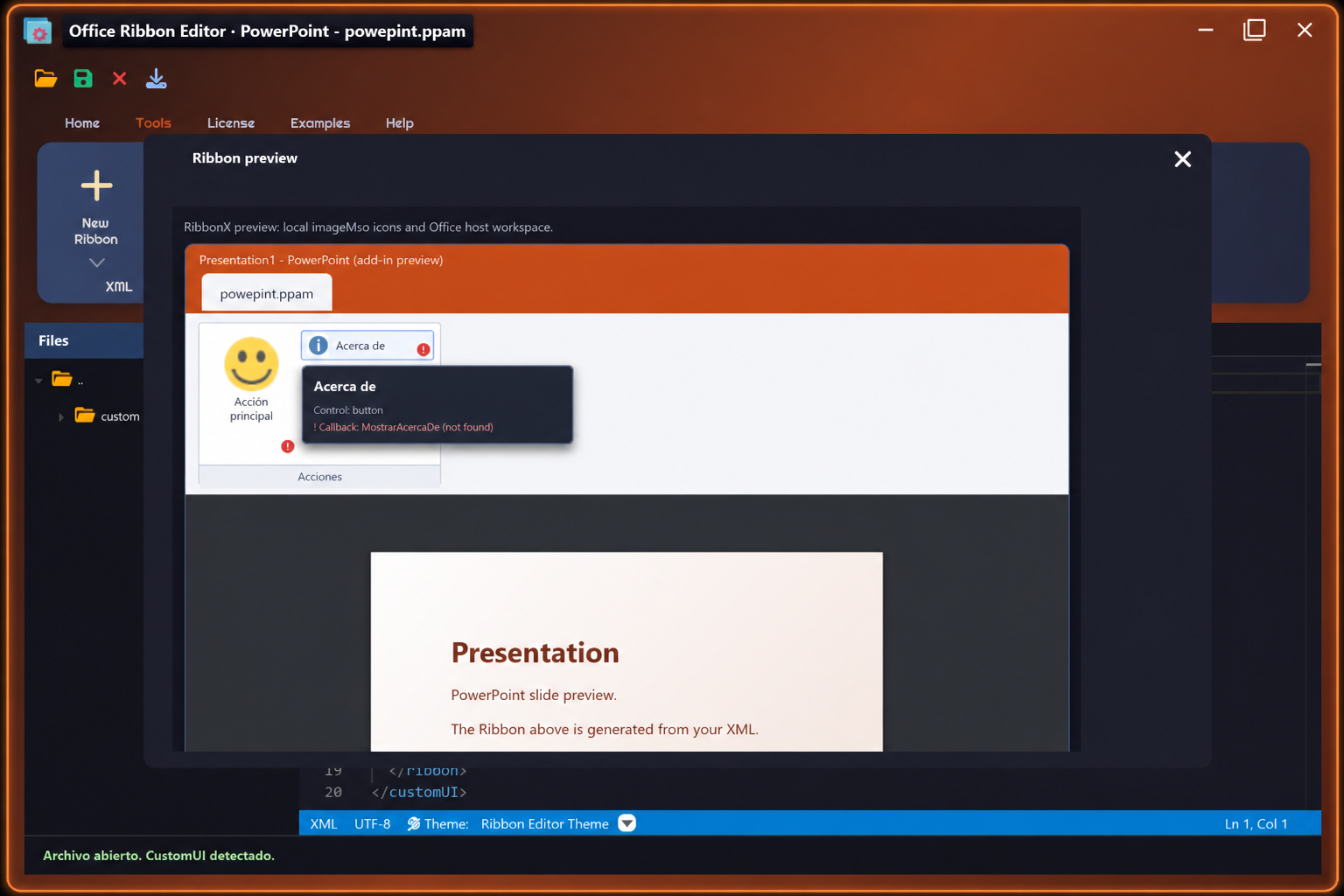
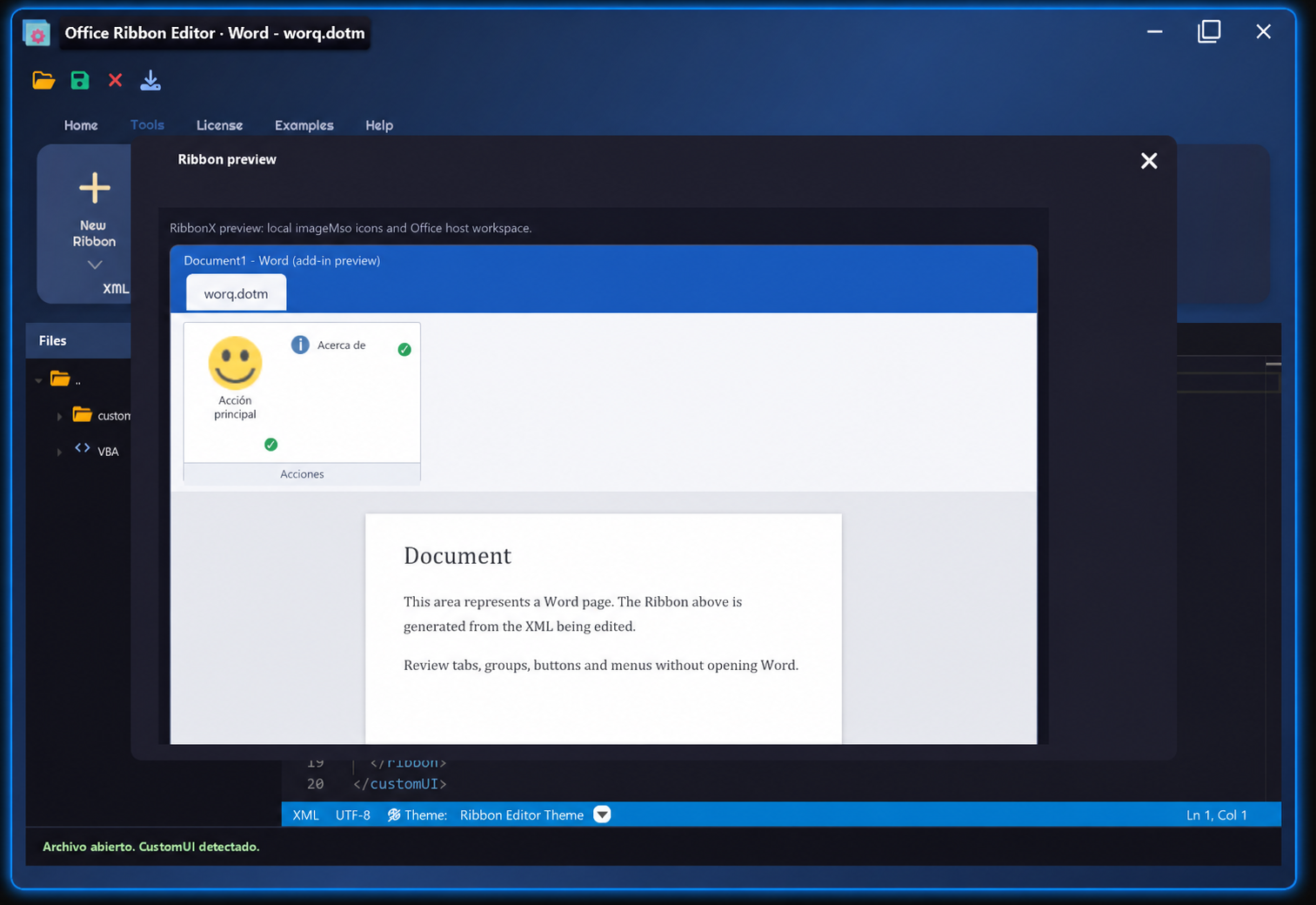
Ribbon UI Studio
Creation, visual preview, VBA tools and deployment packaging come together in one desktop workflow.
Version history
Download the current release and review earlier packages as the product evolves.
Release information is loaded automatically from GitHub.
ActiveCommunity
Tell us which Office app you use, what worked well, and what you would improve. Your public comment helps guide the next version.
PayPal · Ecuador
If Ribbon UI Studio saves you time, you can make an optional donation to support its continued development.
License and use
Ribbon UI Studio Community is free to use. PRO unlocks Modern Forms, modern VBA-compatible dialogs, add-in licensing and advanced distribution workflows. The application source code remains private.
Community + PRO editions